
Real Estate
Lots of showings, lots of miles. Who keeps the logbook?
gps365 writes the logbook for real estate agents by itself: every trip to showings and clients with time, addresses and odometer reading – private trips are marked with one click.
- Plug & play
- Mark private trips
- Logbook export as PDF and Excel
- Data saved for 7 years

Over 1,000 satisfied customers
7 years storage of your logbooks
Sound familiar?
If any of these hit close to home, you’re not alone.
-
Logbook at the end of the month
In the evening or weeks later you try to rebuild your trips to showings from your calendar.
-
Business and personal mixed up
One car for everything – and in the end it’s unclear which trip was for what.
-
No overview in the brokerage
Your agents are on the road, and nobody knows who is close to a property right now.
-
Records that are missing
When someone asks about a trip, the date, destination or mileage is missing.
What gps365 does for Real Estate
Existing gps365 features, picked for your industry.
-
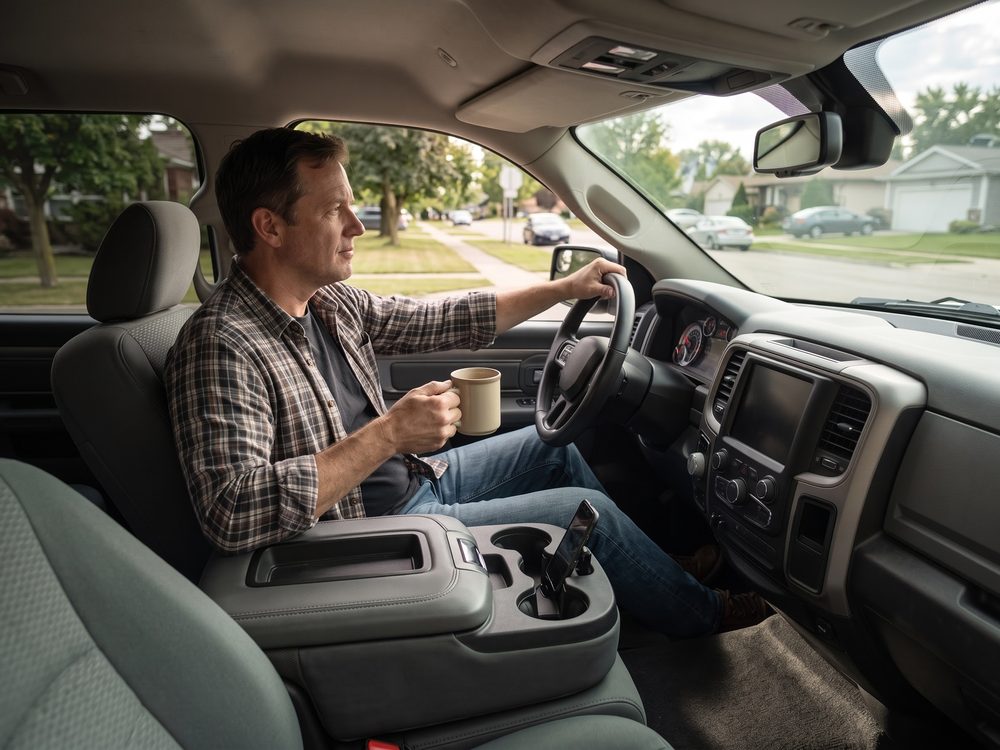
Automatic logbook
Every trip to showings and clients is recorded with address and odometer reading.
-

Mark private trips
Mark private trips and add notes to business trips.
-
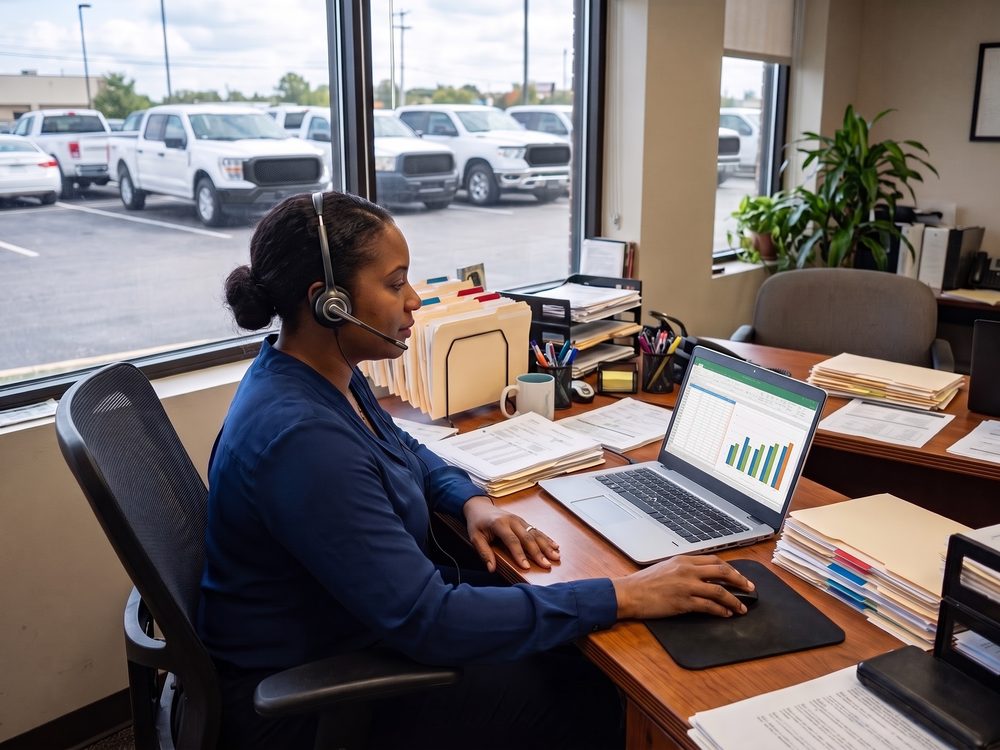
Logbook export as PDF and Excel
Download the logbook as a PDF or Excel file and pass it on.
-
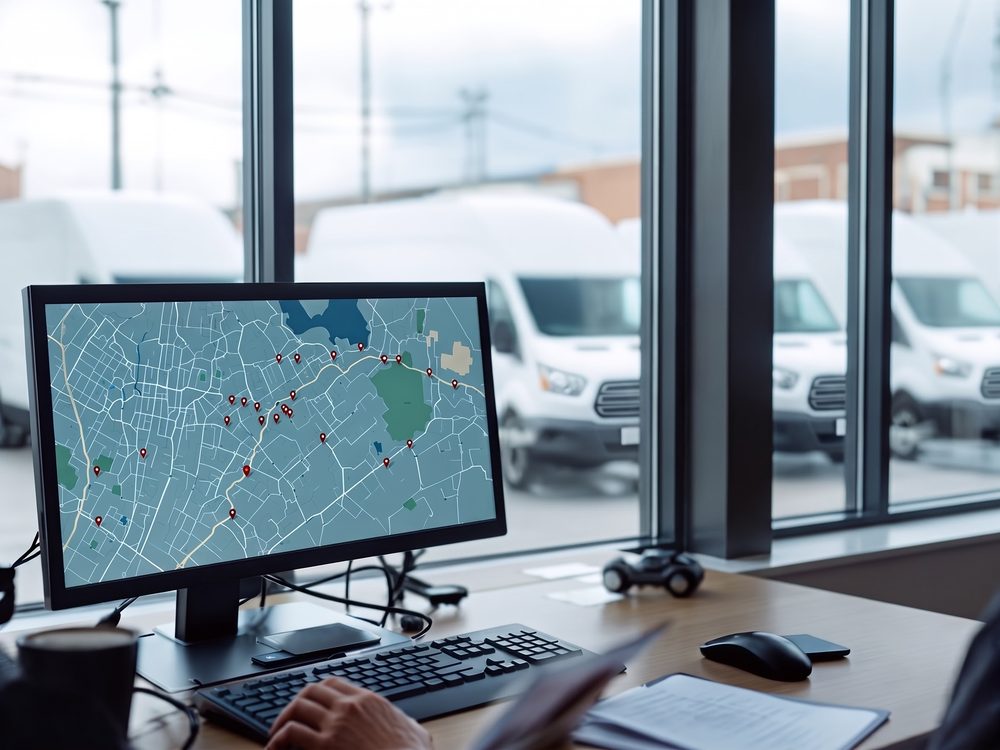
Live tracking
See in the brokerage who is close to a property right now.
-

Multi-user support
Every agent sees their own logbook, the office sees all vehicles.
-
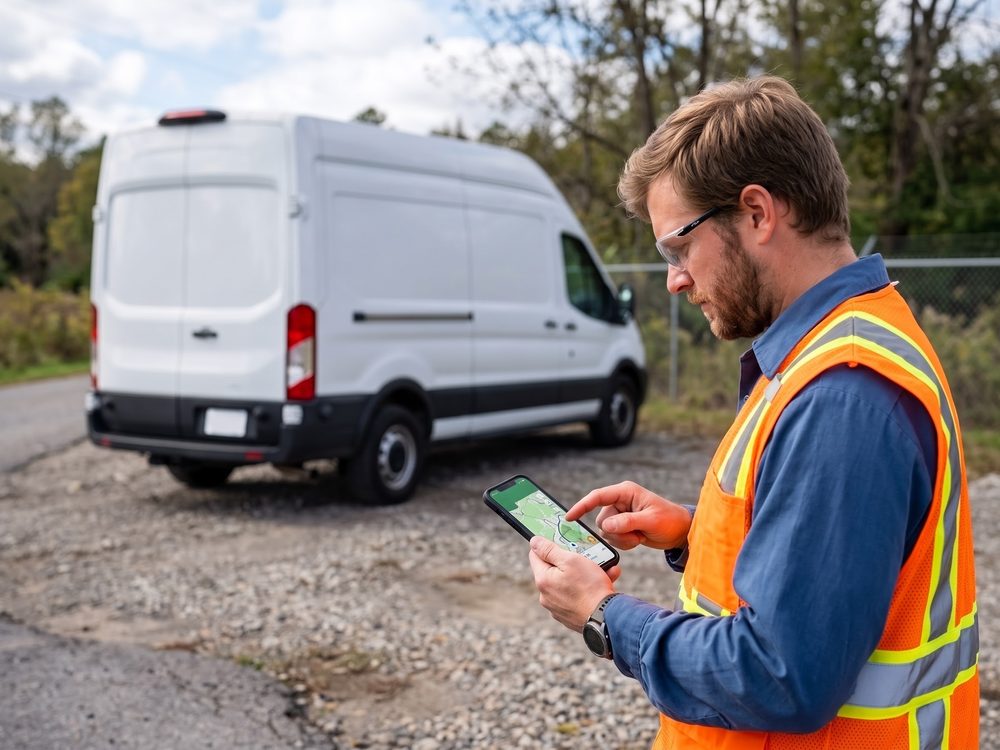
Flexible interface
Check and complete trips on your smartphone while on the go.


ROI calculator
Check it with your own numbers
Example: brokerage with 6 agents, each with a company car.
Profile our assumptions
Your assumption: how much of the time do you really use differently?
Counts only if you use the freed time differently or hours go down.
Calculated advantage per year
Example calculation
- Employees: New Jersey requires written notice before employers use a tracking device in a vehicle driven by employees (N.J.S.A. 34:6B-22). Connecticut requires notice before electronic monitoring (Gen. Stat. § 31-48d), New York and Delaware for phone, e-mail and internet (Civil Rights Law § 52-c, 19 Del. C. § 705). California and Texas prohibit tracking devices on another person's vehicle without the owner's consent (Penal Code § 637.7, Penal Code § 16.06). Our recommendation: inform your team in writing and do not track outside working hours. Not legal advice.
- Mileage log: for business use of a vehicle the IRS expects timely records with date, miles and purpose (Publication 463).
Example calculation compared with paper, spreadsheets and phone, not measured at customers and not an offer. Your result depends on your business.
Built for agents and brokerages
For real estate agents who spend a lot of time on the road and don’t want to write their logbook by hand anymore – on their own or with a whole team.
- Independent agents
- Brokerages with company cars
- Property management
- Since 2008 experience in fleet management
- Over 1,000 satisfied customers
- 7 years storage of your logbooks
- 100 % web-based, no installation
Questions we hear all the time
Can I hide private trips?
Yes. Mark individual trips as private and they are left out of the export. You can also add a note to every trip, for example the property you visited.
How long do you store my data?
Your historical logbooks are kept for you at gps365 for a full 7 years!
Which data export options do you offer?
You can download/export your logbooks as Excel or PDF files.
In order to connect external systems we offer a range of interfaces for live data as well as historic data.
Does the device have to be installed?
Not necessarily. The OBD2 plug simply goes into the standardized port of your vehicle. For more functions or a hidden installation there is the hardwired module.
Ready for a logbook that writes itself?
Try the public demo or get personal advice – no contract required.
No long-term contract · For vehicles of all brands · No software installation